
Scan it.
Then edit it.
PDF Eye pairs a document scanner with a real text editor. Turn paper into searchable PDFs, then change the printed words as easily as typing.

For iPhone, iPad and Apple silicon Mac.
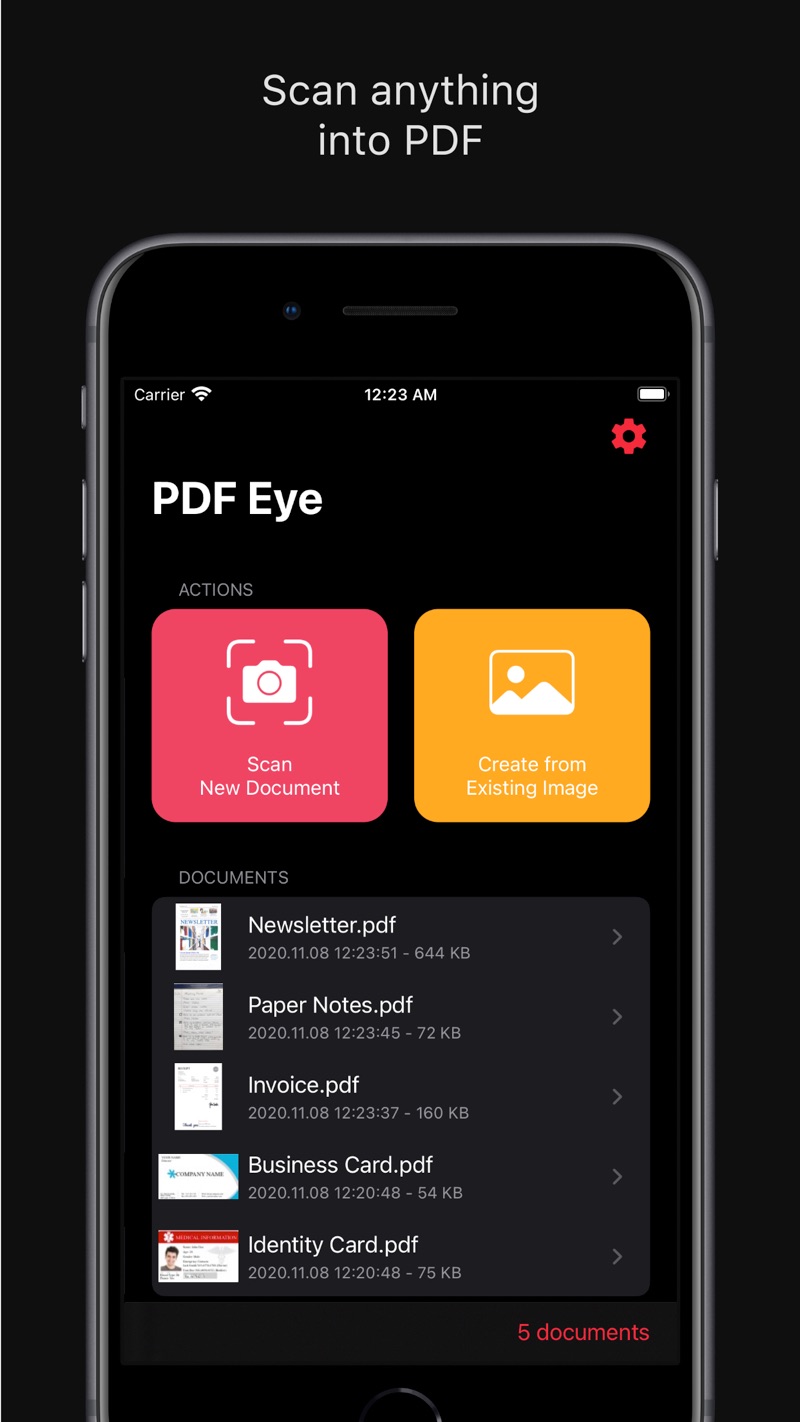
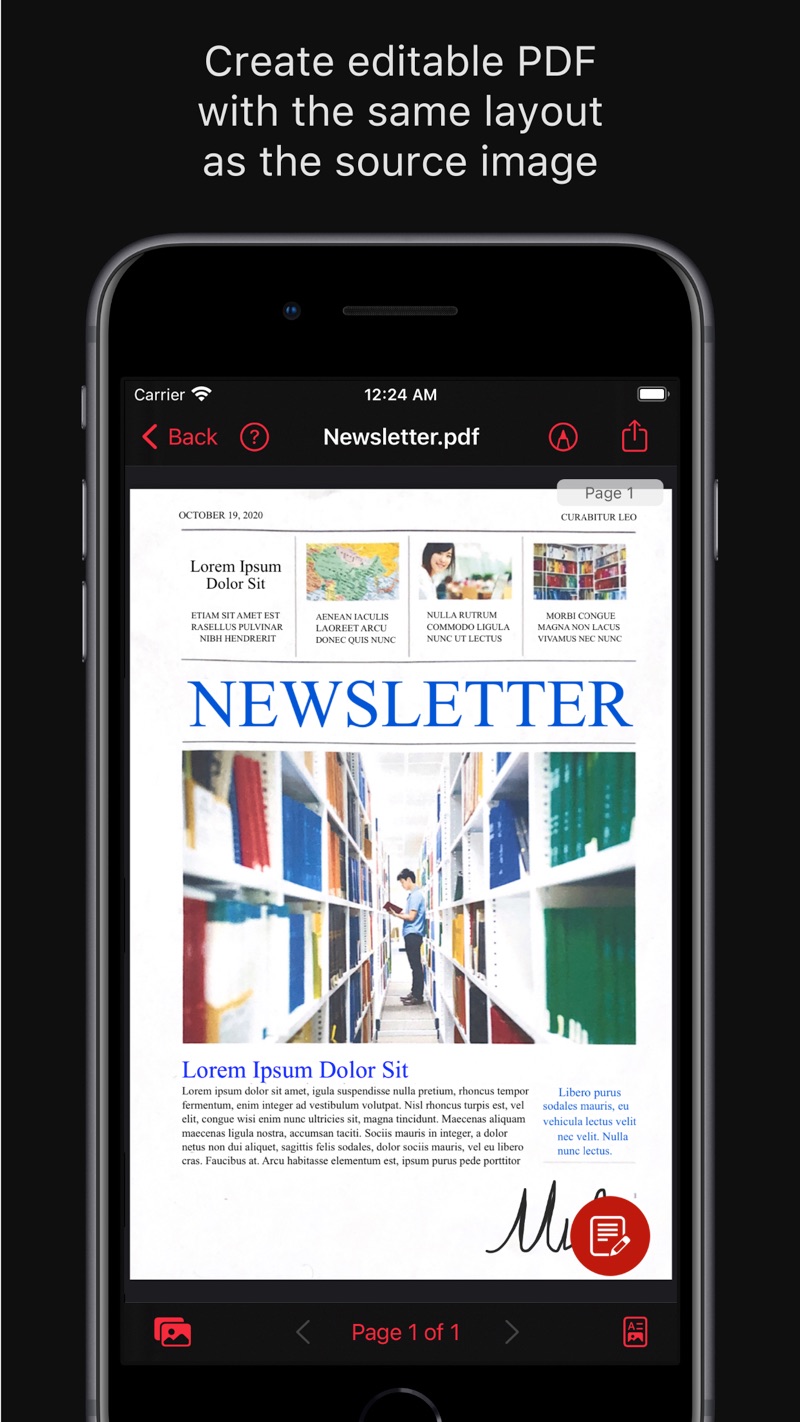
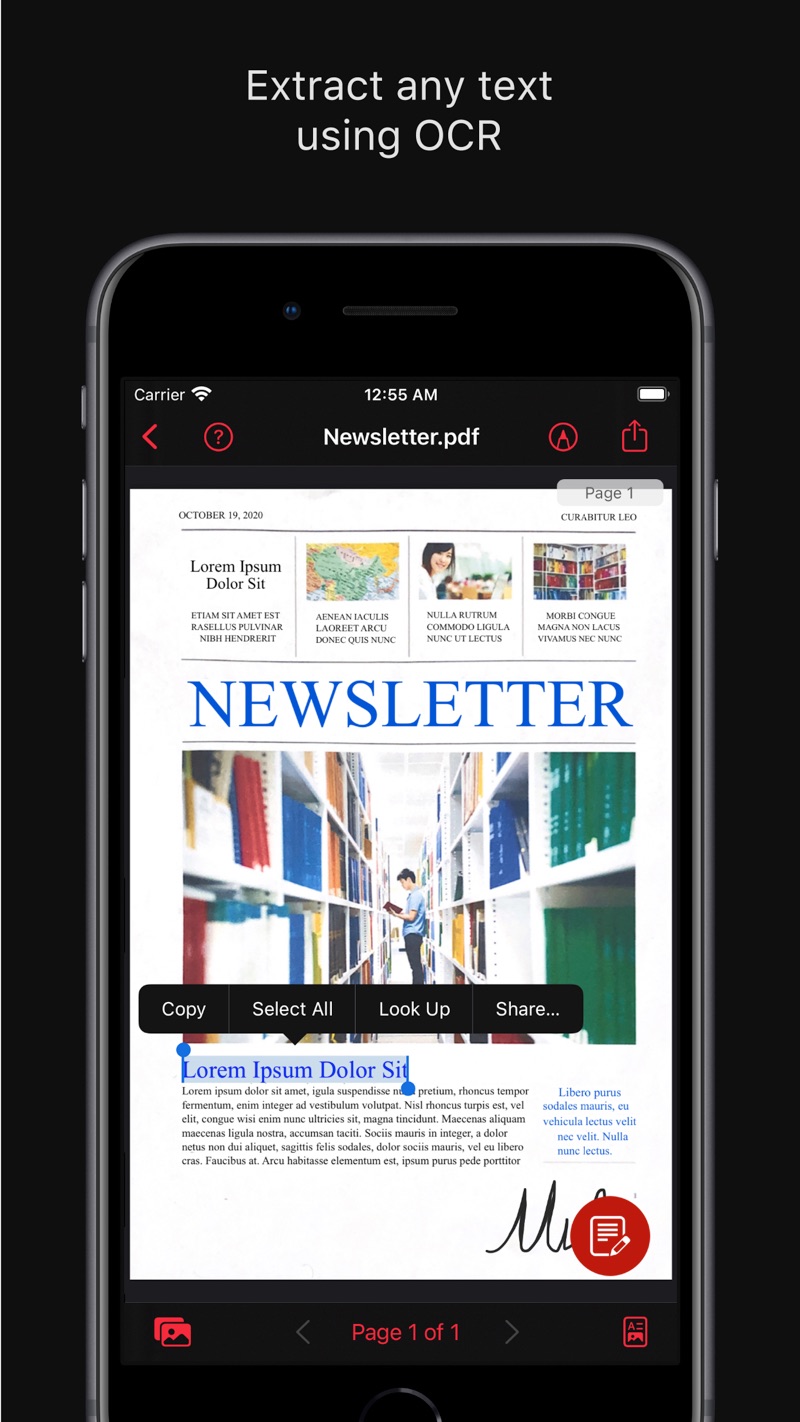
Paper in. Editable document out.
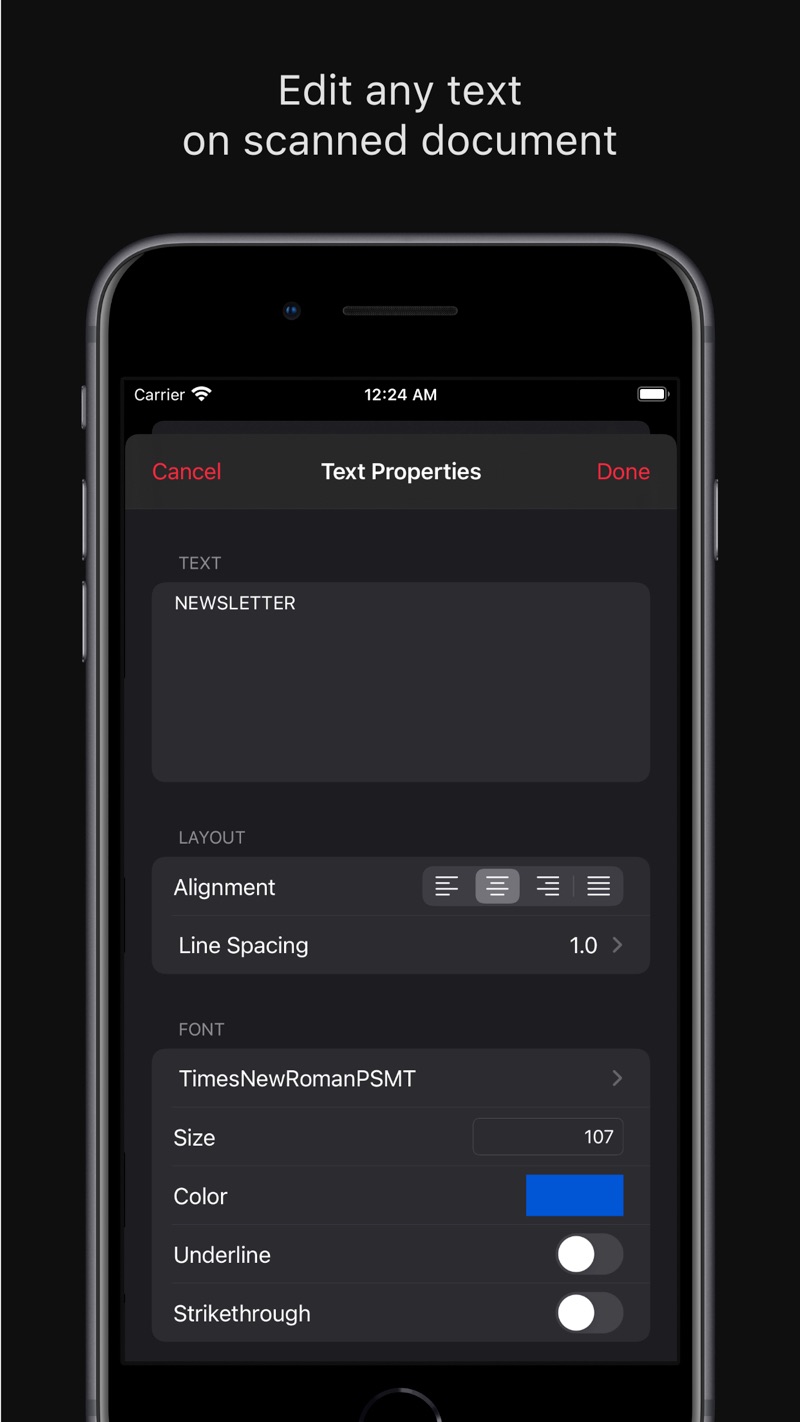
Edit printed text
Change a word, fix a typo or add a line to a scanned page. Choose font, size, color, alignment and background, then move text wherever you need it.
High-quality scanning
Pages, IDs, receipts and notes, with automatic or manual edge detection, color filters and custom page sizes and orientation.
Text-based PDFs
OCR finds the text, AI erases it from the image, and real text objects take its place, so the page stays editable and searchable.
Image-based PDFs
Keep the original look and add an invisible text layer, so you can still search and copy every word.
Share anywhere
Send by Mail or AirDrop, save to Files, or open in any compatible app.
Scan
Use the camera or pick photos you already have. Edges are detected for you.
Recognize
OCR reads every line and records its size and position on the page.
Rebuild
PDF Eye places real, editable text exactly where the printed text was.
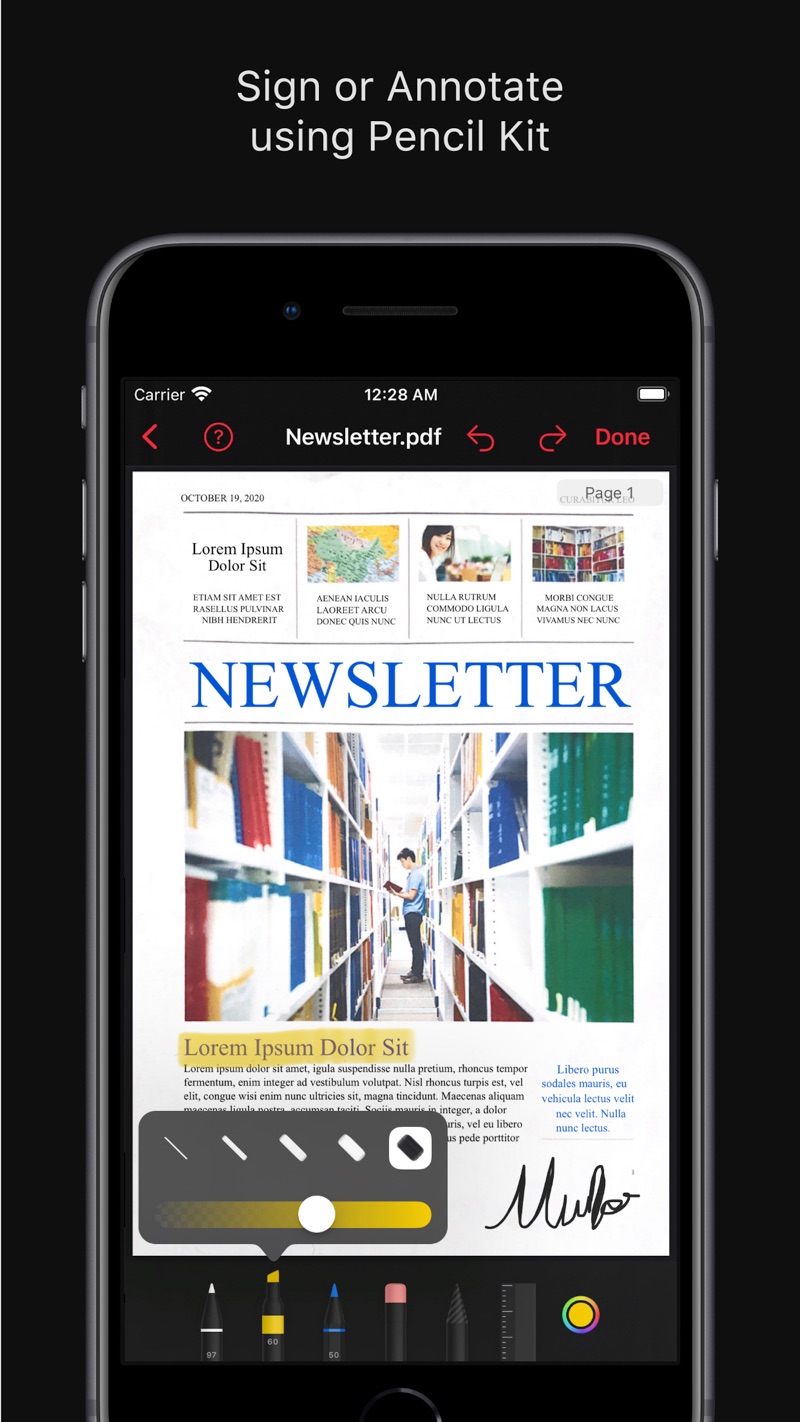
Put your pen to it.
Sign contracts, highlight passages and draw freehand with Pencil Kit, or touch up imperfections in a scan.
- Signatures and highlights with Apple Pencil or your finger
- Copy text from any page, or export it per page or document
- Works on iPhone, iPad and Apple silicon Mac
Your eye for documents.
Scan documents like never before.